What Paperless does
Any book you have
Import a PDF or EPUB from your device, paste a link to one, or find a free classic in Discover. Files up to 50 MB.
Find a free bookOne screen at a time
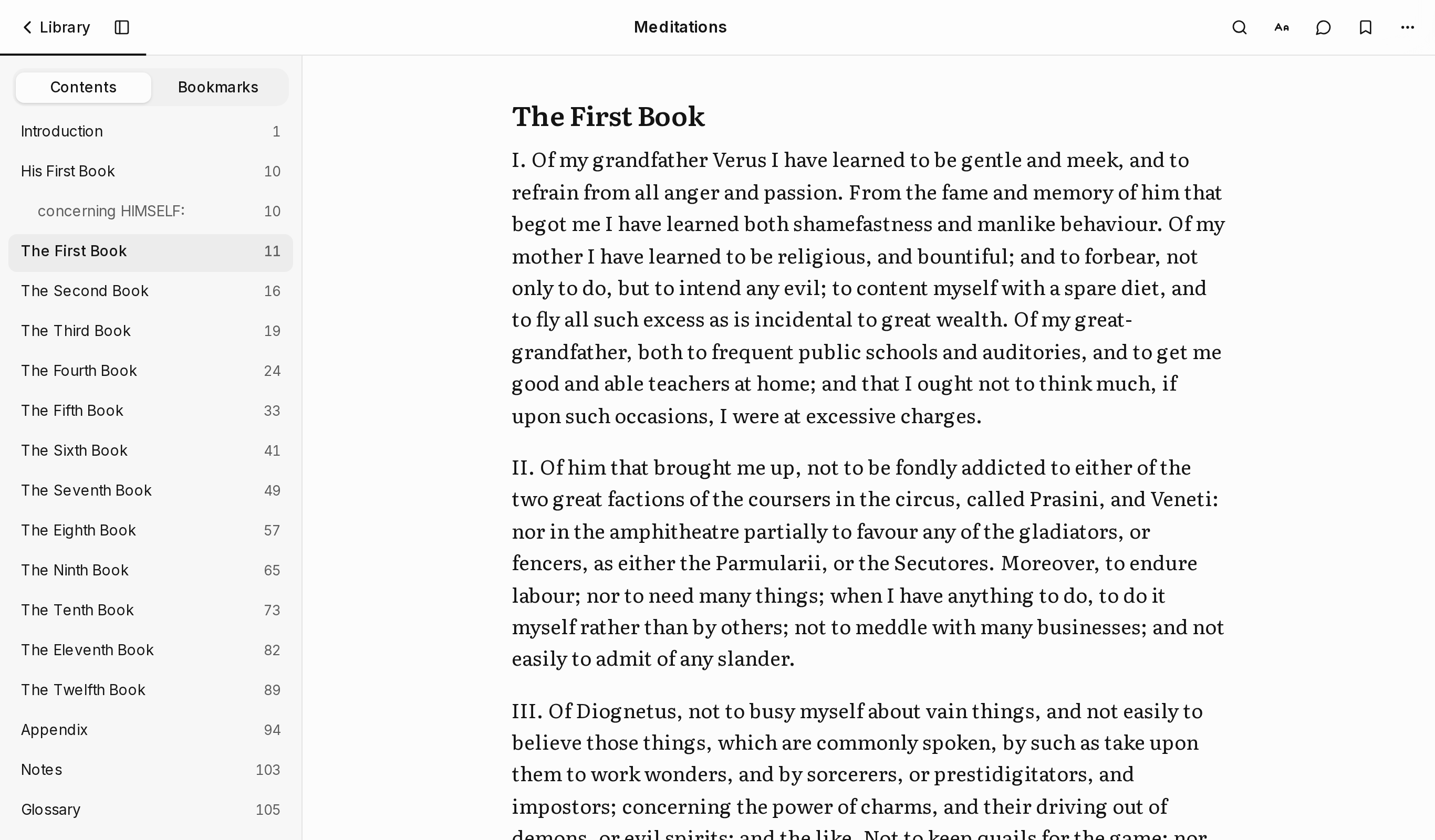
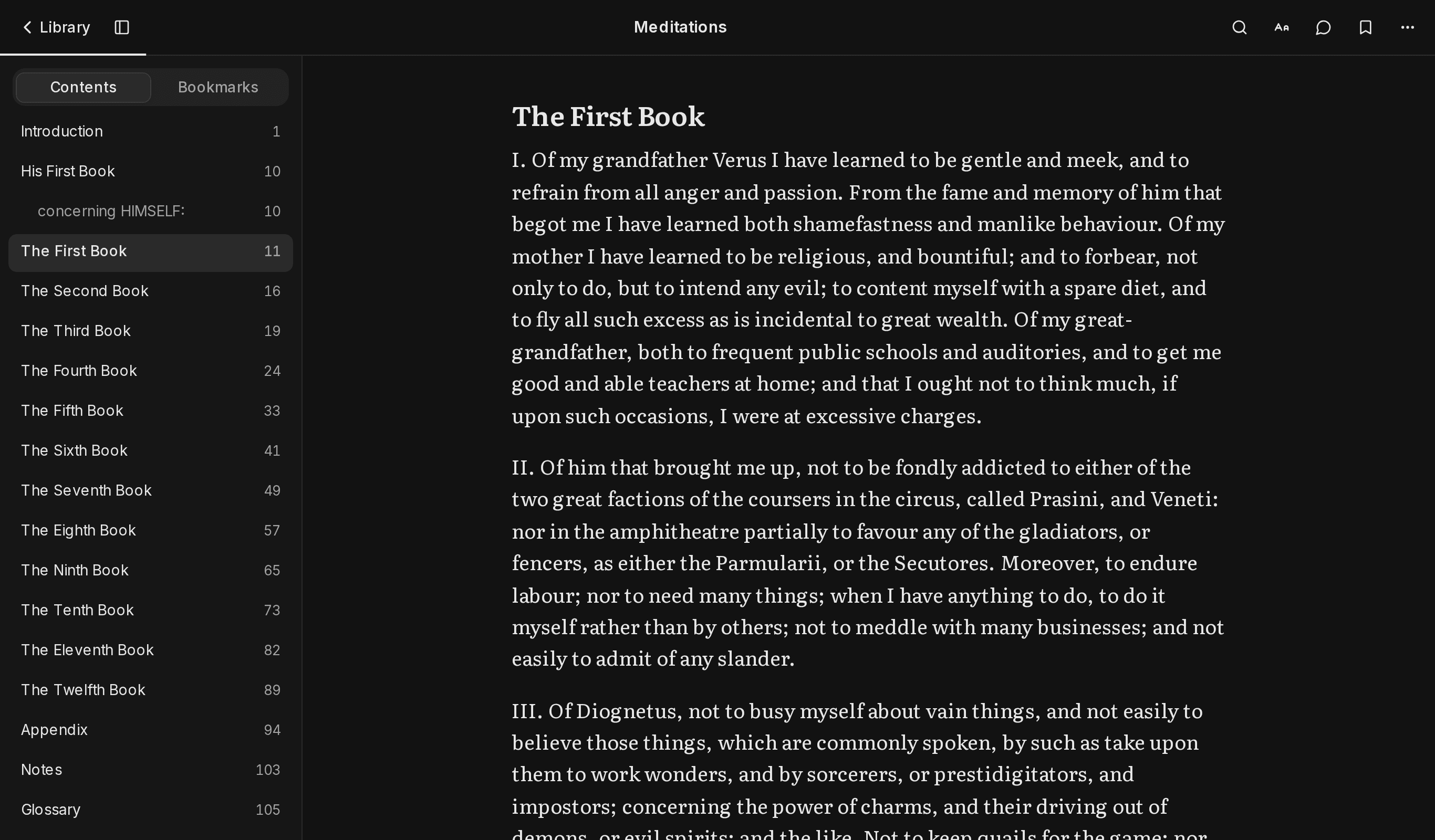
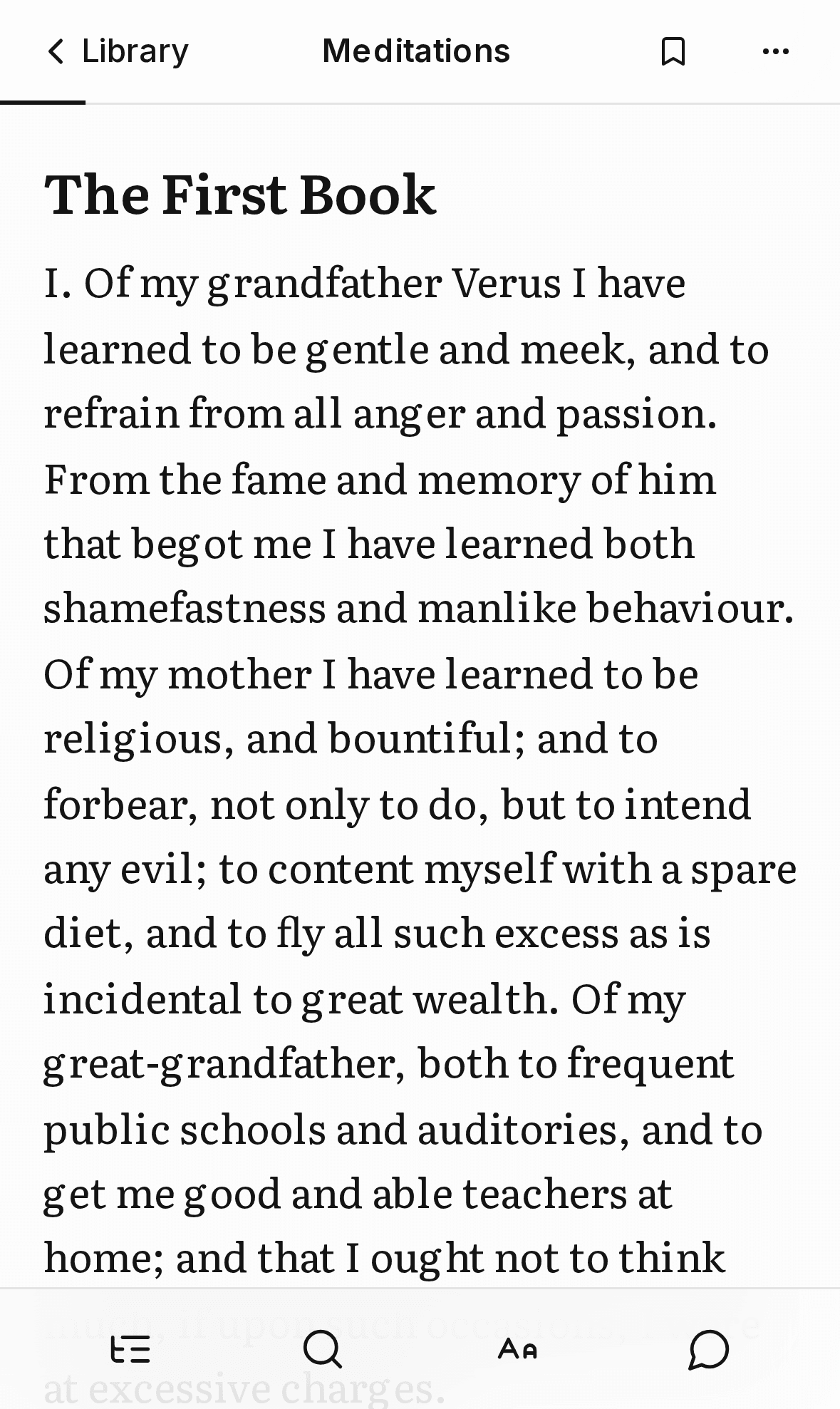
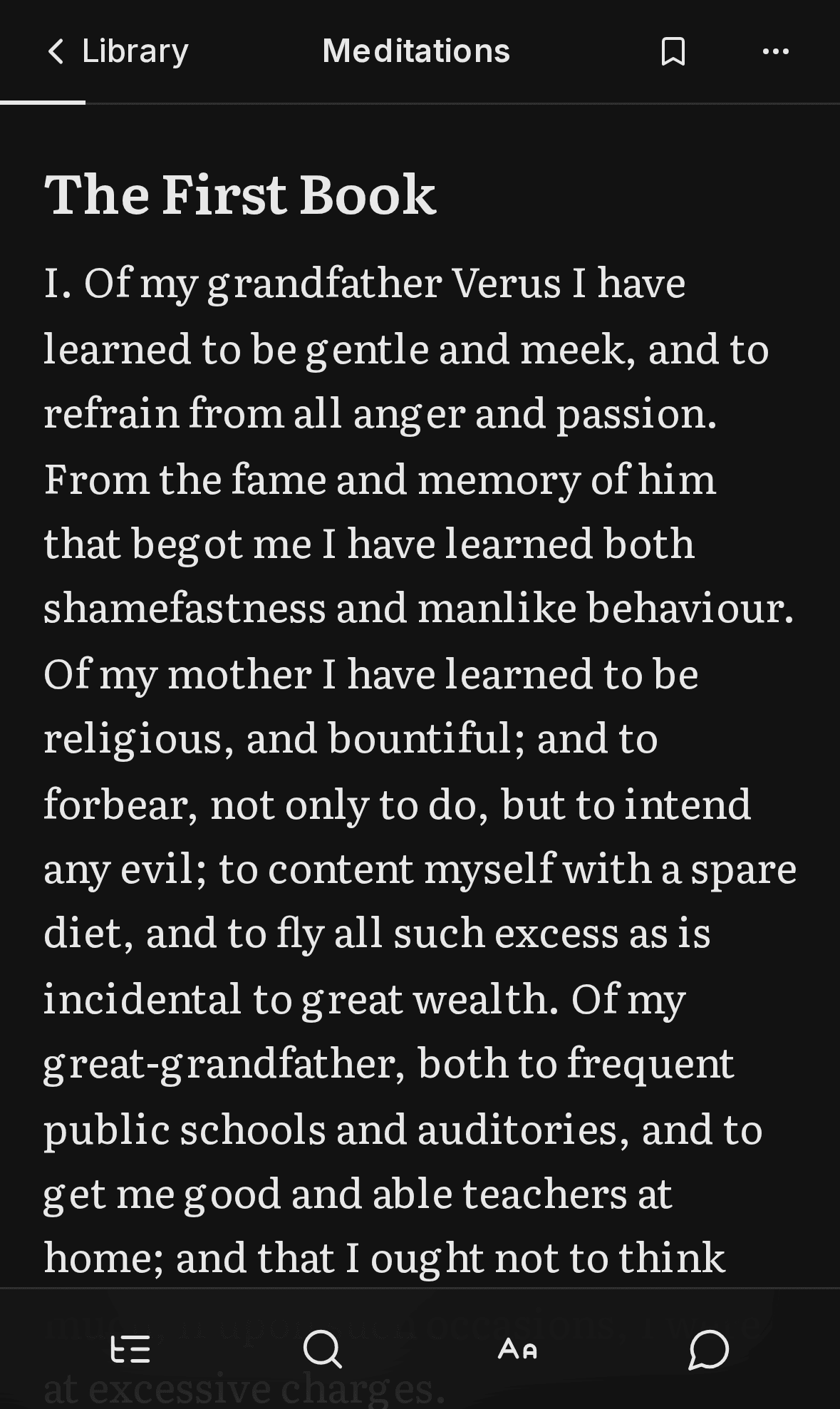
Pages are sized to your screen and scroll like a book. Chapters start fresh, and a large Next button names what comes.
The book as it was printed
Chapters from the outline, italics and drop caps kept. Running heads, page numbers and copyright pages are set aside.
How it worksOnly on your device
No account. Your library lives in your browser and opens offline. Back it up to a file and restore it anywhere.
Privacy
A narrow job for AI
AI labels the page. It does not rewrite it.
A model labels headings, quotes and stray page numbers. Paperless checks each answer against the book and ignores anything that does not match.
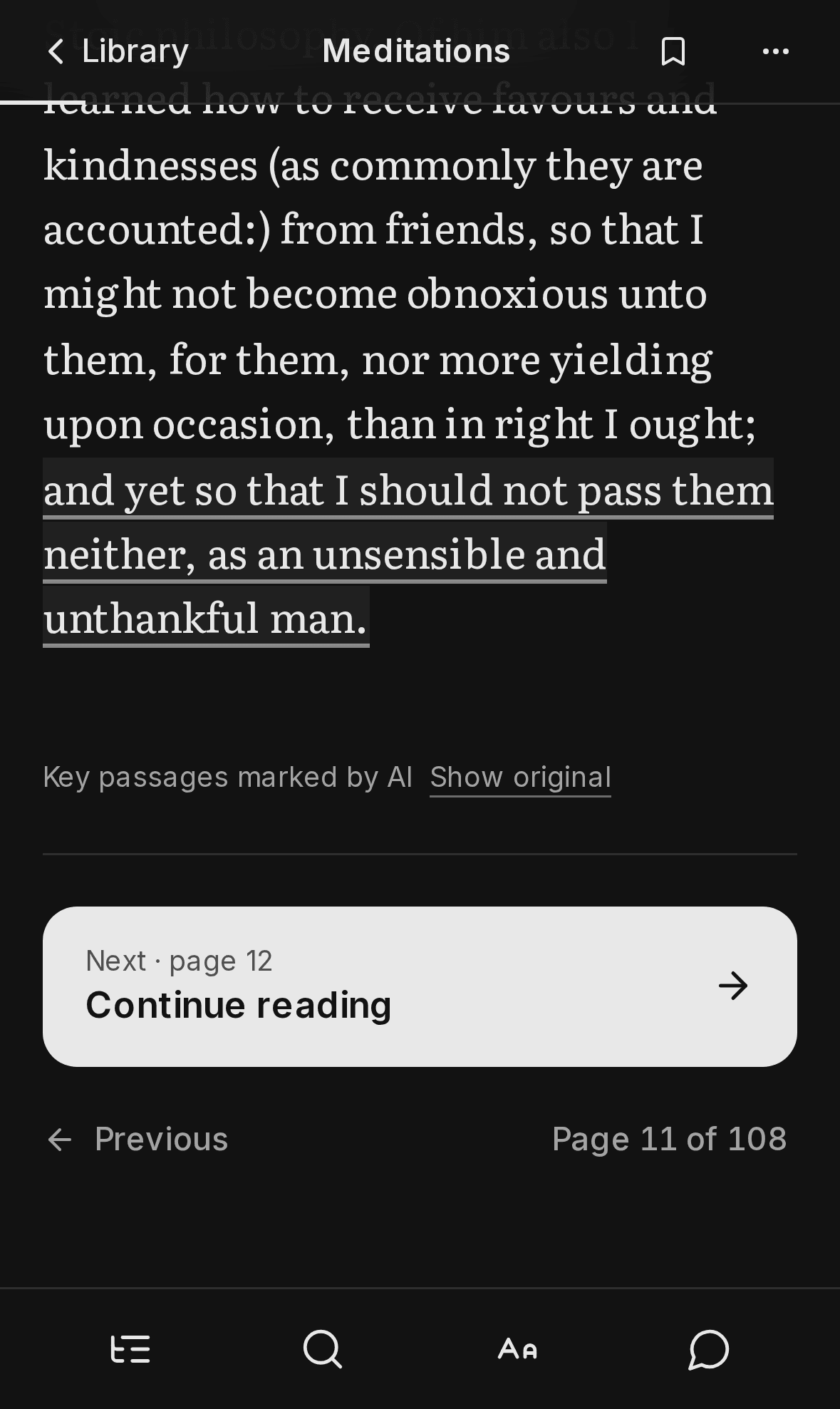
Pages it touched keep a Show original link, and reading works fully with the AI turned off.
How the AI works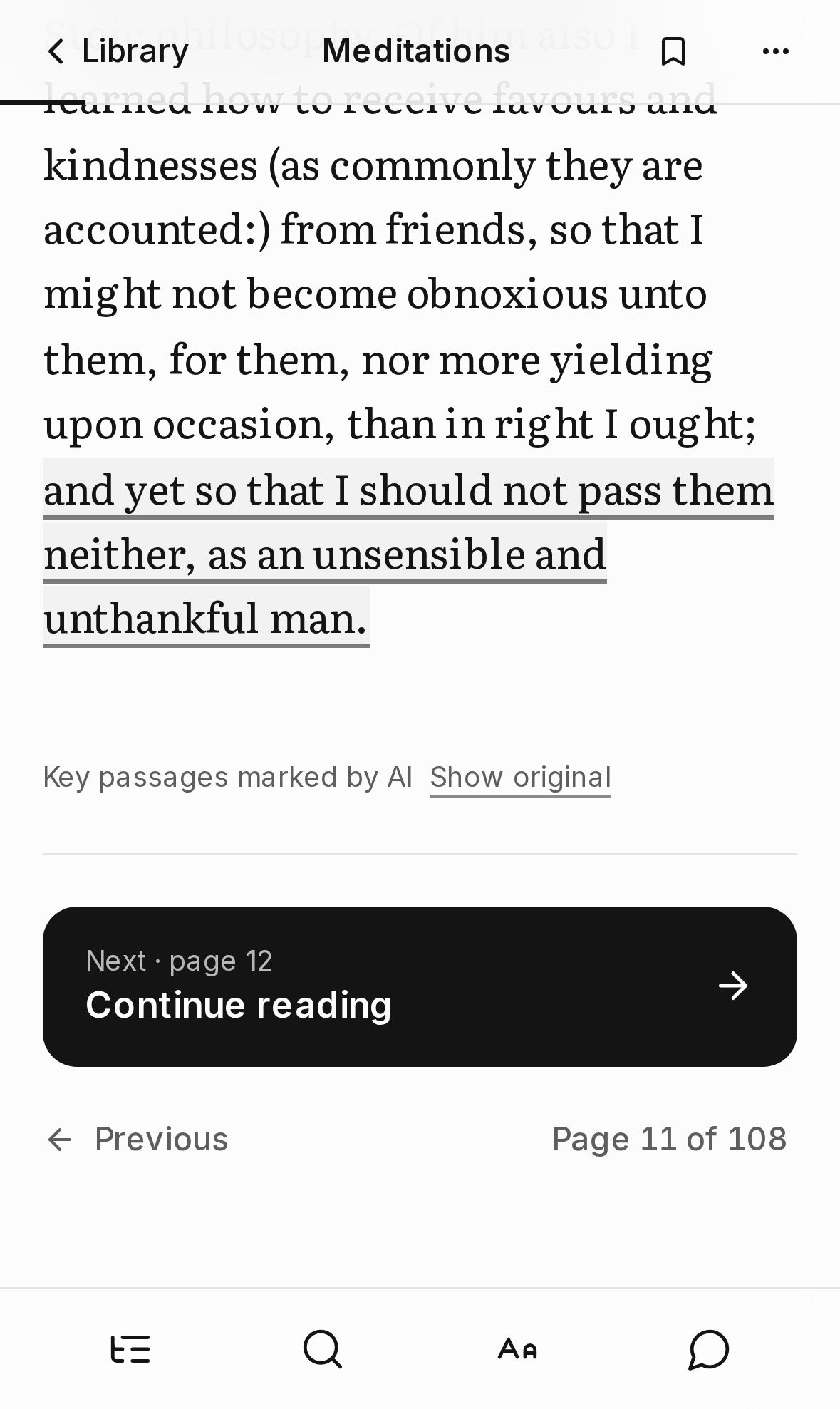
Try it with a real book.
Meditations is free from Project Gutenberg. Open it to see how the reader works. No account or setup needed.
Or open your library and add your own.