Read PDF and EPUB books as clean pages
Paperless turns a PDF or EPUB into pages sized for your screen. It keeps the book’s chapters, headings, quotes and italics, and removes page numbers and running heads. Your library stays in your browser.
Why I built it
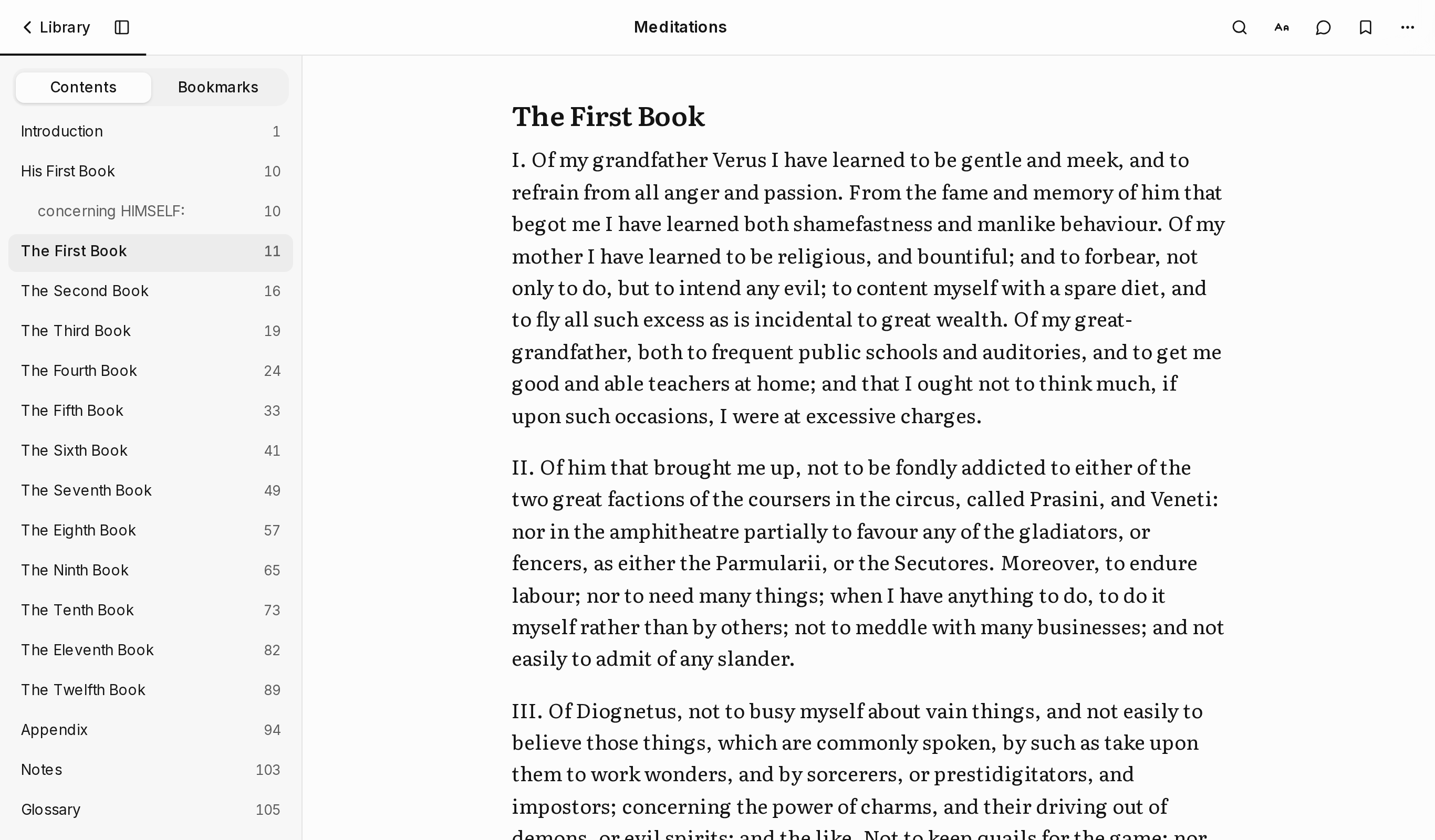
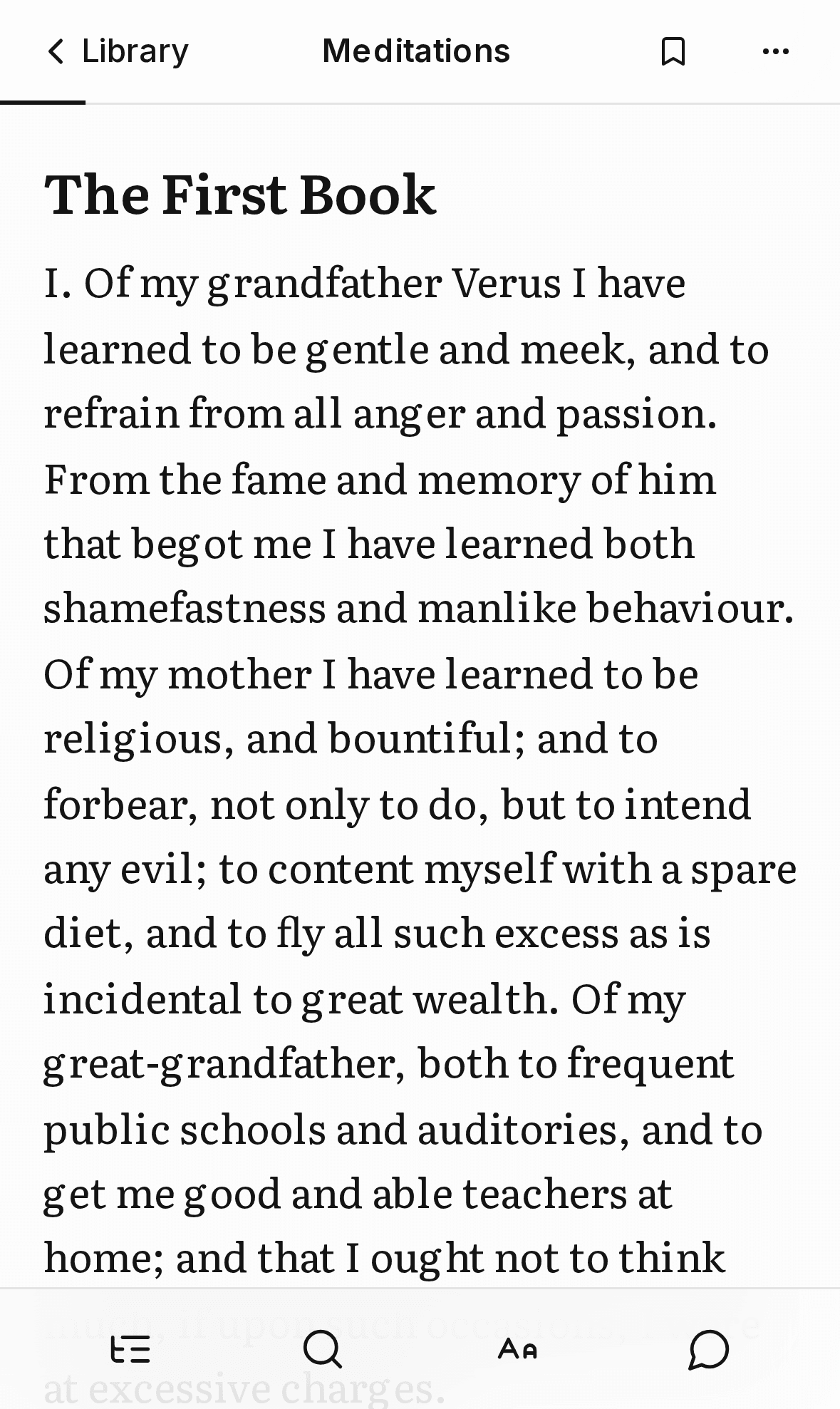
I read a lot of books as PDFs, and every PDF reader I tried either showed me a tiny fixed page or a wall of broken text. A PDF records where each letter sits on a printed page. It doesn’t record which line is a chapter title, which is a page number, or where a paragraph ends. So on a phone you either zoom and pan around a page made for paper, or read text that a converter has flattened into one long stream.
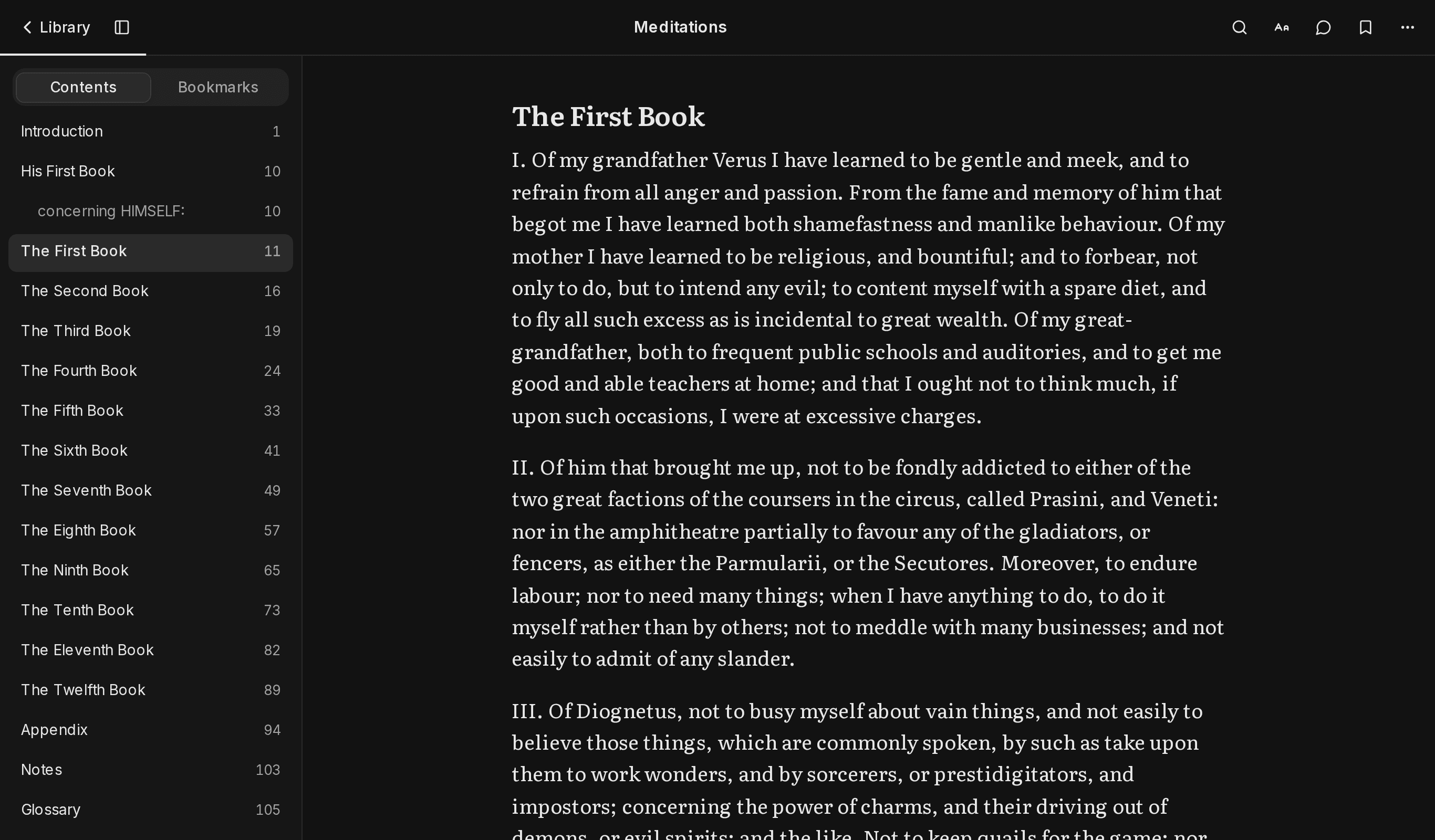
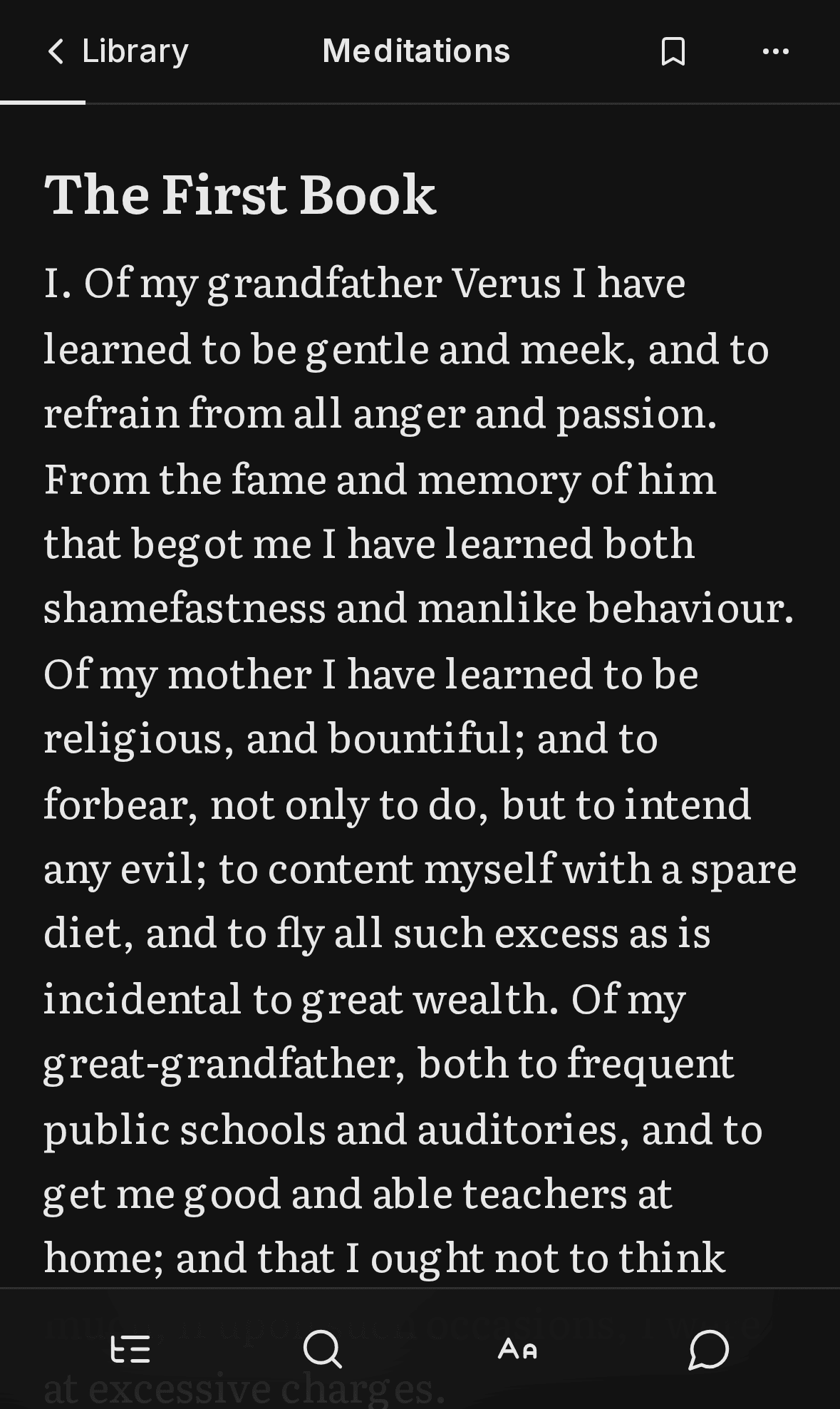
Paperless reads that layout back into a book. You get chapters, paragraphs, quotes and italics, set in a typeface made for reading on screens, one screen of text at a time.
Itamar Hanan
What it does
It finds the book’s structure. Chapters come from the PDF’s own outline and are matched to the headings on the page. Drop caps join their word again, epigraphs keep their credit line, and italics come back from the font names in the file.
It removes what was only there for paper. Running heads and page numbers go. Praise, copyright and index pages are hidden, and one tap in the contents brings them back.
Pages fit the screen. Each page is about 3,500 characters you scroll through, and chapters start on a new page. At the bottom, a large Next button names the next chapter when one begins.
EPUBs and free books work too. EPUB files are unzipped and read in your browser. Discover searches Open Library and Project Gutenberg, and Gutenberg’s books come in through their HTML editions, which already mark chapters, quotes and verse.
You set the page. Light, sepia and dark themes; serif, sans or mono type; text size, line spacing, width and page length. There are bookmarks, search within the book, and a panel for asking questions about the page you’re on.
Who it’s for
Anyone with books as PDF or EPUB files who wants to read them on a phone without zooming, or at a desk without a fixed page floating in the middle of the screen. Files can be up to 50 MB.
It works best on books with selectable text. A scanned PDF holds only pictures of pages, and Paperless tells you so rather than opening an empty book.
AI can mark the layout, not rewrite the book
An earlier version of Paperless asked an AI model to rewrite each page as clean text. A rewrite can paraphrase, or come back in a different language than the book’s, and the reader has no way to tell.
So this version gives the AI a narrower job. It sees the paragraphs on a page and answers with labels only: this one is a heading, that one is a quote, this stray page number should be hidden. It may also point at up to two key passages, which must be exact quotes. Paperless checks every answer on the server and again in your browser, and every page the AI touched has a Show original link.
Labels can be wrong, but they can’t put words in an author’s mouth. How the checks work.
Your books stay on your device
There are no accounts. Your library lives in your browser, with reading positions, bookmarks and settings. Back up library saves all of it to one file you can restore here or on another device. Turn AI off and no text from your books leaves your device.
On an iPhone, add Paperless to your Home Screen. Safari can clear a site’s storage after a few weeks away, and the Home Screen app keeps your books. Privacy has the details.
Try it
Open Paperless and tap Try it with Meditations to add a free book, or choose a PDF or EPUB of your own. It runs in the browser on phones and computers, and you can install it like an app.